eWay-CRM: a CRM that lives inside Outlook
eWay-CRM works as an Outlook add-in, so the CRM is a pane inside the inbox you already use. Its website says it works with classic Outlook, new Outlook and Outlook on the web. Best for teams that want the whole CRM workflow to stay in Outlook.
- Strength: open CRM records, save and track emails against the right customer, and create contacts, deals or tasks from an email.
- Strength: emails and customer history can be shared with the rest of the team.
- Check: that the add-in covers the Outlook clients your team actually uses.
Vendor documentation: eWay-CRM
Microsoft Dynamics 365 Sales: Microsoft’s own sales CRM
Dynamics 365 App for Outlook adds a Dynamics 365 pane to Outlook on desktop, web and phone, according to Microsoft’s documentation. Best for organisations that already run on the Microsoft stack and have someone to administer it.
- Strength: link emails, meetings and appointments to an account, opportunity or case, and see CRM context next to the message.
- Strength: contacts and related information are synchronised between Exchange and the CRM.
- Check: the app is usually deployed and configured by an administrator, and depends on Dynamics 365 licensing.
Vendor documentation: Microsoft Dynamics 365 Sales
HubSpot: a broad platform with an Outlook add-in
HubSpot offers a Sales add-in for Office 365 that brings HubSpot into Outlook. Its documentation says the add-in works in Outlook for Windows, Mac and the web and lets you track and log emails and use HubSpot sales tools from the inbox. Best for teams that want sales, marketing and service on one platform.
- Strength: contact and company context next to the email. HubSpot documents deal context in the add-in separately, as a beta that a HubSpot Super Admin switches on.
- Strength: one platform across sales, marketing and customer service, as HubSpot’s product page describes it.
- Check: how much setup you are signing up for, and which plan the features you need sit on.
Vendor documentation: HubSpot
Zoho CRM: a full CRM with a Microsoft 365 integration
Zoho’s Microsoft 365 integration page describes syncing contacts, tasks and calendar events between a Microsoft account and Zoho CRM, adding leads and contacts from an email, and bringing CRM dashboards into Microsoft Teams. Best for teams that want a configurable CRM and are happy to run it as a separate workspace.
- Strength: contacts, tasks and meetings stay in step between Microsoft 365 and the CRM.
- Strength: add a lead or contact directly from an email.
- Check: the page describes contact, task and calendar sync; ask how the email conversations themselves feed your deals.
Vendor documentation: Zoho CRM
Pipedrive: a pipeline-first CRM with mailbox sync
Pipedrive connects Office 365 / Outlook and Microsoft Exchange mailboxes through its email sync, according to its knowledge base, and shows your conversations in a Sales Inbox inside Pipedrive. Best for sales teams that think in pipeline stages and are fine working in the CRM alongside Outlook.
- Strength: email conversations can be linked to deals, leads or projects, automatically or manually.
- Strength: email open tracking, and conversations can be shared with the team or kept private.
- Check: email sync is available on Pipedrive’s Growth plan and higher, and its own sync works in the Sales Inbox. The Outlook side-panel add-ins in Pipedrive’s Marketplace are built by other companies.
Vendor documentation: Pipedrive
Salesflare: a CRM that fills itself in for small B2B teams
Salesflare automatically captures contact details, email and calendar activity, and enriches records from email signatures. Its Outlook sidebar brings CRM access into the inbox. Best for small and mid-sized B2B teams that want automatic data capture alongside team sales tools.
- Strength: automatic contact enrichment, relationship history, and Outlook and LinkedIn sidebars.
- Strength: email tracking and personalized campaigns; multi-email workflows are listed on Pro and above.
- Check: pricing is per user, lead-search credits vary by plan, and it is aimed at B2B relationship selling. Check the current plan details before choosing.
Vendor documentation: Salesflare
Attio: a flexible CRM workspace that syncs with Outlook
Attio connects to Outlook through an email and calendar sync; its app directory lists Outlook as an official integration built by Attio. Once connected, it syncs email content and calendar events into Attio and, with default settings, creates people and company records for the people you email. Best for teams that want to configure their own data model, workflows and reporting.
- Attio’s Microsoft 365 sync supports only Microsoft-hosted Outlook accounts. Shared inboxes and on-premise or third-party-hosted Exchange are not supported. Only Inbox and Sent folders sync; private calendar events are excluded.
- Strength: a configurable data model, workflows and reporting, as Attio’s own site presents them.
- Strength: you can send email from Attio through a synced Microsoft 365 account.
- Check: the documented Outlook integration is a sync into the Attio workspace, not a pane inside Outlook.
Vendor documentation: Attio
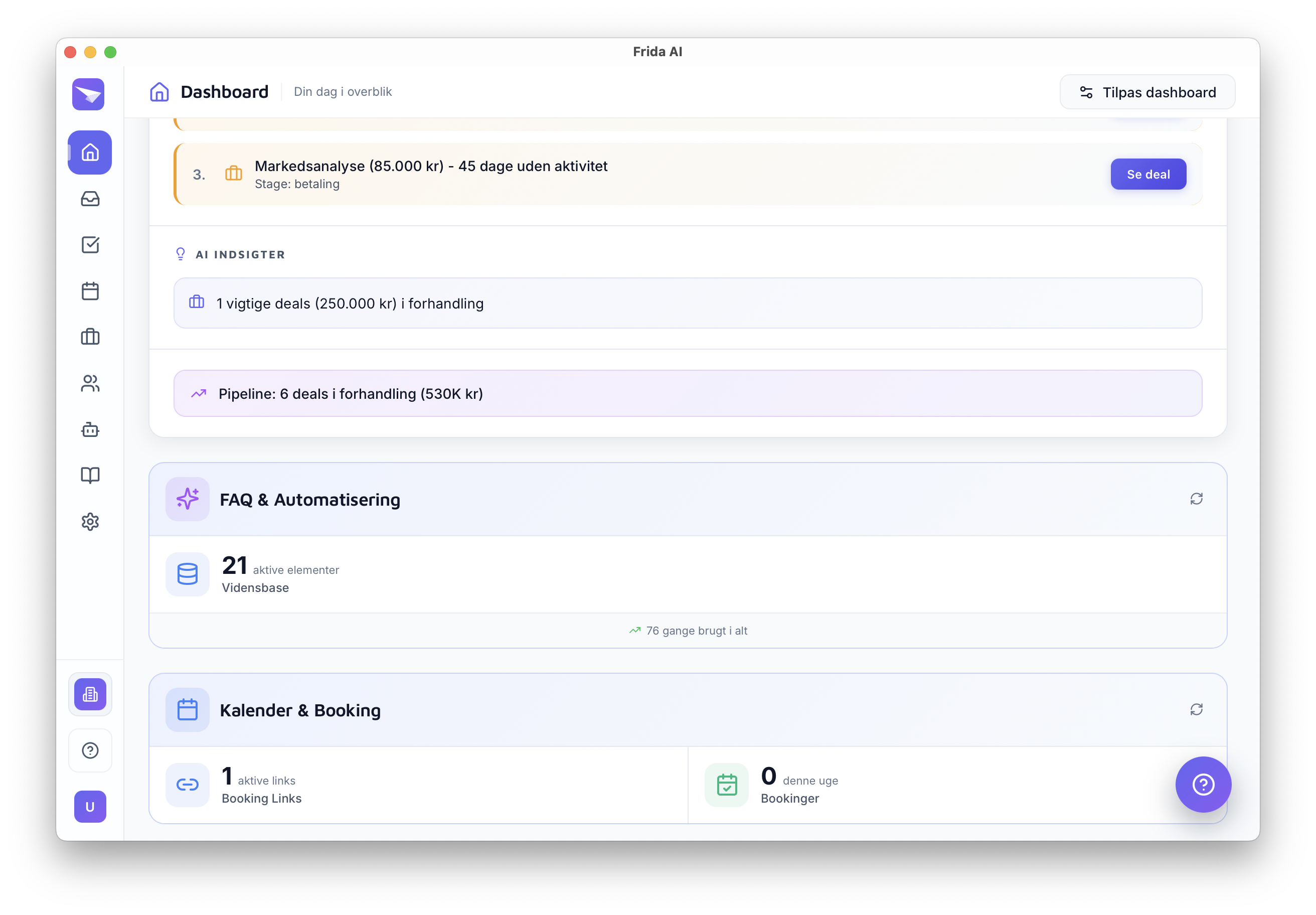
Frida: a CRM that builds itself from your Outlook email
Frida connects to your Outlook or Microsoft 365 mailbox and runs in its own app. An optional Frida pane inside Outlook, in early access and installed as a custom add-in, shows the deal behind the email you have open and drafts the reply there. It reads your email conversations, detects sales opportunities, and creates and updates deals on a dealboard automatically. It suggests a follow-up when a quote or proposal goes quiet and drafts replies in your own voice. You approve everything; nothing is sent automatically.
- Strength: no data entry. The board builds itself from the conversations you already have.
- Strength: on Personal and Pro you can add knowledge sources, such as price lists, documents or your website, so drafts use your facts.
- Limit: deliberately narrow. Frida is not a marketing platform and not a configurable revenue workspace. Its Outlook pane is in early access and not yet listed in Outlook’s add-in catalogue.
Vendor documentation: Frida
How to choose the best CRM for Outlook
Start with how you want the CRM to touch your inbox, then decide how much of a CRM you actually want to run.
- Want the CRM inside Outlook: look at eWay-CRM, the Dynamics 365 App for Outlook, the HubSpot add-in or Salesflare.
- Want a broad platform your whole company can grow into: look at HubSpot, Zoho CRM, Dynamics 365 Sales or Attio.
- Want the least CRM upkeep: look at tools that capture from email by themselves, such as Salesflare and Frida. Frida also creates the deals and drafts the replies for you to approve.