
Outlook follow-ups that build themselves
Outlook can remind you about a message, but the reminder is date-based: it does not know whether the customer has replied. Frida watches the thread instead. When a customer replies, or an open deal goes quiet, it builds the follow-up, writes the next email in your voice, and waits for you to press send.
Built for Outlook & Microsoft 365. Never auto-sends — you approve every reply.
How to set a follow-up reminder in classic Outlook
A date-based reminder may be enough if you follow only a few conversations. Microsoft documents this workflow for classic Outlook on Windows. It does not automatically check whether a reply arrived.
- Open your draft before sending. Select Message → Follow Up → Custom.
- Select Flag for Me and Reminder. Set a date and time. Leave Flag for Recipients unchecked if the reminder is only for you.
- When the reminder appears, check the conversation. Mark the flag complete or clear it if the customer has already replied.
New Outlook, Outlook on the web and Mac have different options and menus. A flag and a pop-up reminder are different; do not assume the Windows steps apply to every version.
Vendor documentationThe customer replies. Frida keeps your overview up to date.
You sent Louise a quote. Here is what happens when she replies — without you having to update the deal yourself.
1 You are waiting for a reply
You sent a quote for a strategy programme. Frida watches the conversation, and a follow-up is planned.
Planned: Follow up on the quote2 Louise replies in Outlook
Louise · your customerHi Jonas. Thanks for the quote. We will review it in the management team and get back to you on Monday.
3 Frida updates the deal
This happens automatically
The old follow-up stopsWaiting for Louise · she will reply on Monday
One less thing to keep in your head.
Next time you open Frida, you can see who you are waiting for and why. You do not need to reread the email thread to remember where things stand.
See the source
The customer replied in the quote thread. The old follow-up should no longer continue unchanged.
The email does not prove: That the quote is accepted. The customer only says they will get back to you on Monday.
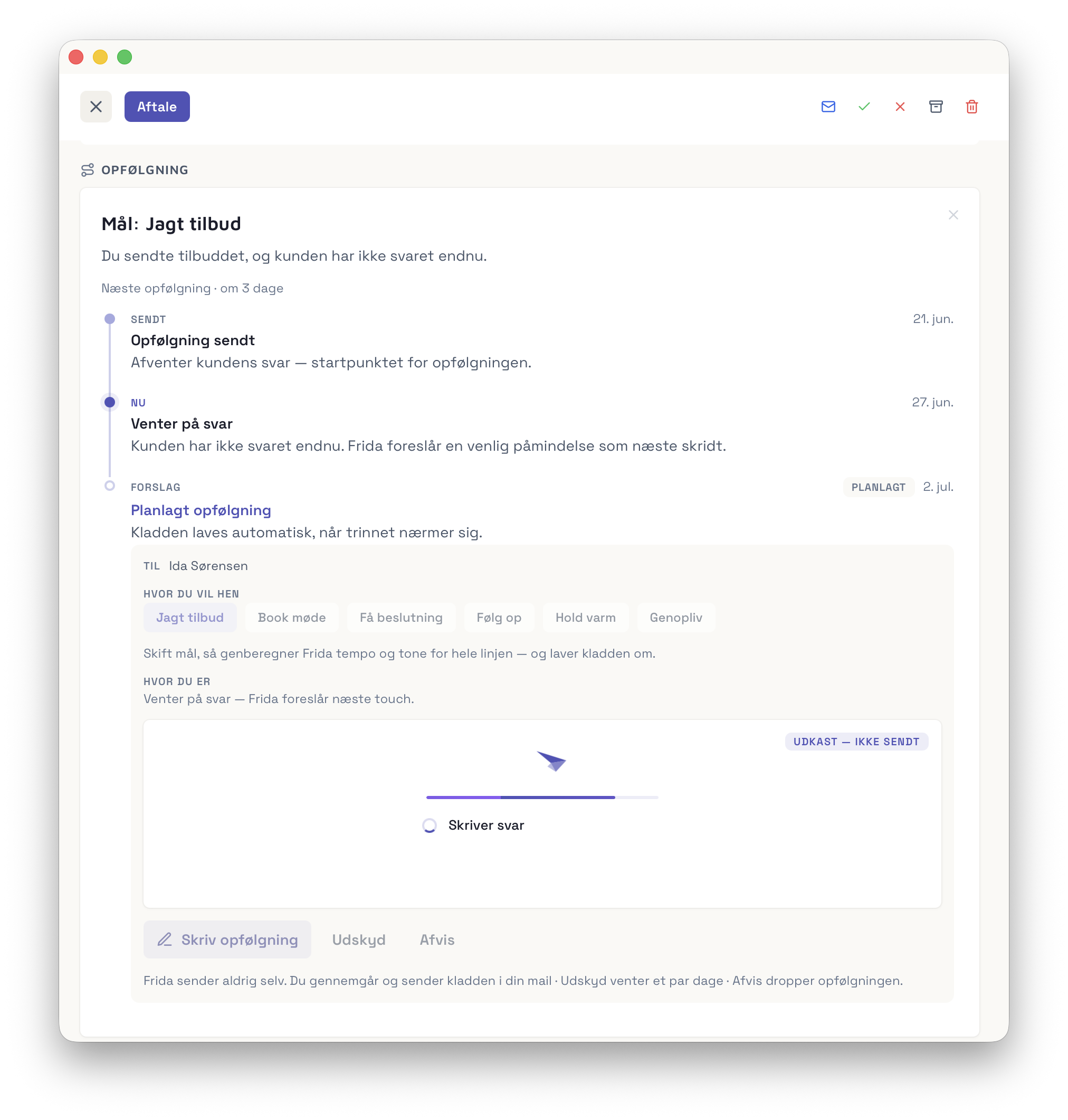
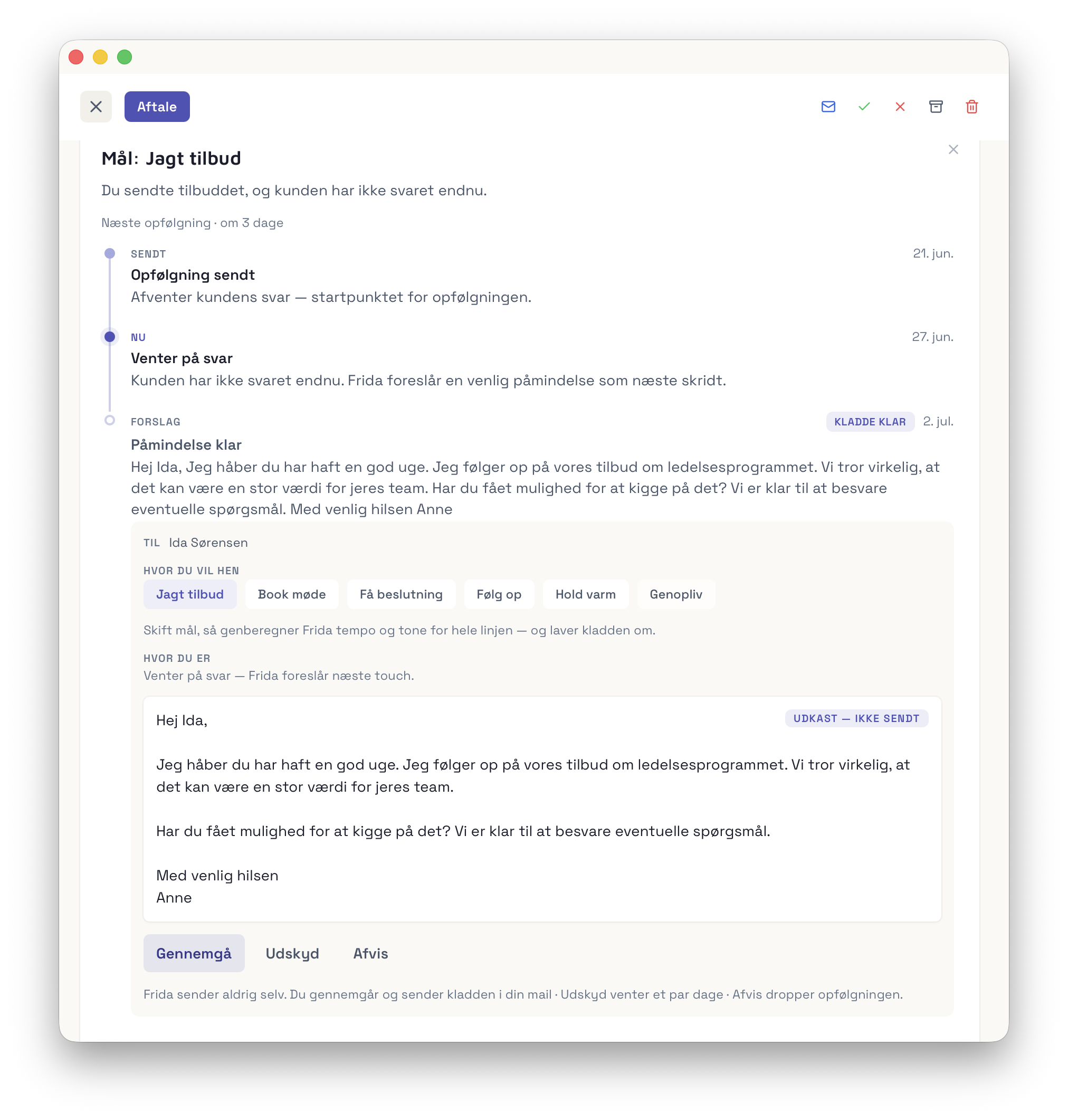
You set the goal — Frida writes the draft
Choose where the conversation should go and Frida rewrites the follow-up in your voice. You review and send — nothing leaves your inbox without you.
Not a sequence tool. A quiet assistant.
Sequence tools blast cold lists on a timer. Living Follow-ups works the deals you already have — one reply at a time.
It derives, it doesn’t ask
Frida reads the thread and picks the goal and rhythm from how the deal is actually moving. No cadence builder, no setup screen.
Per conversation, not per blast
A complex deal has several open threads with different people. Frida follows each on its own track — and the right draft goes to the right person.
Approve-first, always
Nothing leaves your mailbox without you. Frida prepares; you decide. That’s the whole point — and why you can trust it.
Steer by goal, not by wording
Change the goal — “book a meeting” instead of “chase the quote” — and Frida rewrites the draft. You direct the intent; it handles the words.
Built to help, not to spam
Both help you follow up — but one enrolls cold lists and sends automatically, while the other works your live deals and lets you approve every email.
The feature that closes the loop
Frida finds your deals — and helps you close them. Living Follow-ups turns every reply into the next move, ready for you to send. Included in every plan, Free too.
Start your free trialQuestions
Can Outlook remind me to follow up if there is no reply?
Partly. Outlook lets you flag a message for follow-up with a start and a due date, and reminds you on that date. In Microsoft’s own description, the follow-up flag holds a start date, a due date and a status of flagged or complete; nothing in it records whether the customer has replied, or what the conversation is worth. Frida watches the thread, notices when a reply is still missing and when a quote has gone quiet, and prepares the follow-up for you to approve.
How do I get an Outlook reminder to follow up if there is no response?
Flag the message you sent, set a due date, and check on that date whether a reply has come in. That works, but it depends on you remembering to look and on you keeping the flags tidy. If you would rather not do the checking, Frida does it from the conversation and drafts the follow-up in your voice.
Is there a follow-up reminder in the new Outlook?
Follow-up flags exist across Outlook, but the options can differ between classic Outlook, new Outlook and Outlook on the web, so check the version you use. In each of them the reminder is tied to a date you set, not to whether the customer has answered. Frida works from the thread itself, whichever Outlook you use.
Does Frida send follow-ups on its own?
No. Living Follow-ups is approve-first: Frida prepares the draft and waits. You open it, adjust if you want, and press send. Nothing leaves your mailbox automatically.
How is this different from a sales sequence tool?
Sequence tools enroll cold contacts and send on a timer. Living Follow-ups only works deals where someone already replied — it builds itself from your real Outlook conversations, and you approve every email.
What if the customer replies before I follow up?
The follow-up cancels itself. Frida watches the thread, so the moment a reply lands the draft is pulled and you never chase someone who already answered.
What if a deal involves several people?
Each open conversation gets its own follow-up, on its own track, addressed to the right person. You switch between them in one calm panel on the deal.
Does it work with Outlook and Microsoft 365?
Yes — Frida is built for small firms that live in Outlook and Microsoft 365. Your inbox is the source of truth, so there is nothing extra to maintain.